
24, August 2020
Tips for Improving Ergonomics for PC Gaming
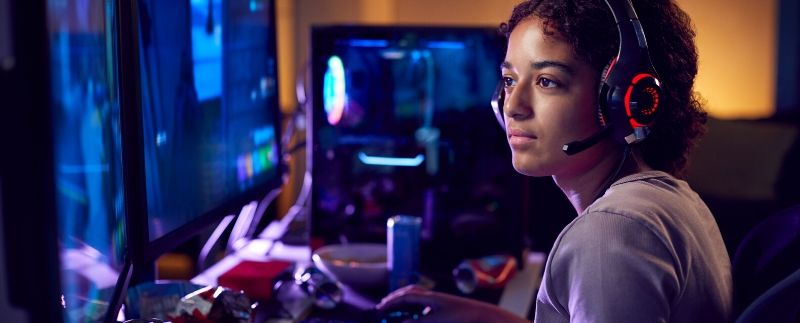
Gaming can sometimes be so engaging that you forget about everything else.
Hours later, you wonder why you are experiencing aches around your body.
Most likely, this is due to the fact that you have been playing in a position that your body cannot sustain comfortably for long periods of time.
If you find yourself in this kind of situation often, you should read up on these tips for improving ergonomics for PC gaming.
We’ll explain how to arrange your setup so that it is conducive to a more natural sitting position.
Monitor Positioning
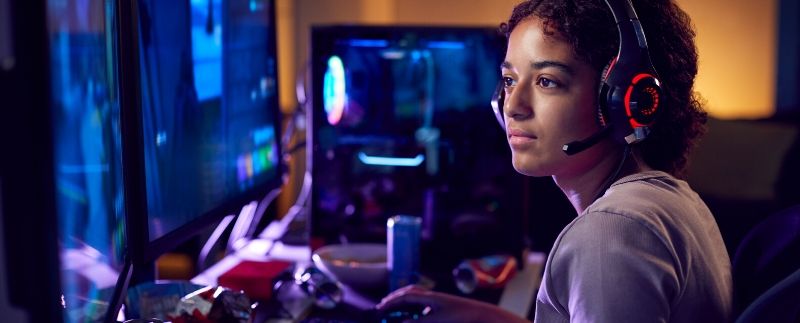
Let’s start off with what you’re going to be staring at 90% of the time while you’re at your computer.
The monitor.
It’s a major part of your PC setup that you will be directing your eyes towards, which in turn affects the positioning of your head.
If your head is tilted too far forward or back, you may develop pain in your neck. You monitor should thus be angled slightly lower (by about fifteen to thirty degrees) than the space you would see looking straight ahead so your neck is in a natural position, not bent at all.
You also want to minimize eye strain when you are looking at the screen, so finding the proper distance to place the monitor from your face is important.
A good rule of thumb is to outstretch your arms in front of you, as the monitor should be about an arm’s length away. For a more accurate measurement of how far to sit away from your monitor, check out [Rtings TV Size to Distance Calculator/Guide]
Keyboard and Mouse
Your arms, especially your hands and wrists are another area of your body that could hurt when you are gaming.
You want your forearms to extend at about a ninety-degree angle from your body, with your hands more level with your belly button than your chest. Make sure that every key on your keyboard is easily accessible without breaking your position so that you don’t move out of it while gaming.
As for your mouse, it should also be easy to grasp and move around without you reaching out or retracting your arm too much. If you are experiencing more wrist pain, you can try lowering the DPI settings of your mouse and using a larger mouse pad / mouse area, minimizing the amount of micromovements of your wrists and instead using your shoulder and elbow to make the motions.
By following these points, you’ll reduce tendon strain in your hands and wrists that could hinder your performance in the future.
Overall Posture
Where you put your equipment might not be the only cause of your problems with your gaming arrangement; the way you sit (or don’t sit) in itself can lead to issues.
Take a moment to examine your body positioning. Your feet should be planted flat on the ground and your knees should be level with your hips. You should look at these areas, because the placement of your lower body can influence your back. When your knees and hips aren’t straight in relation to the ground, you’re more likely to round your back or excessively arch it forward rather than keep it straight.
Ultimately, you want your stomach and lower back muscles working a bit to support you as you sit up straight so that there isn’t too much tension on your spine or strain on any muscles born from slouching. Adjust your seat height and backrest as needed in order to facilitate your posture as another great tip for improving the ergonomics of your PC gaming.
While working to correct how you sit as you game, you may want to improve the quality of your PC and peripherals as well. For everything from NVMe SSDs to gaming keyboards and computer gaming headsets, Digifast has got you covered. Visit our website today.
About DIGIFAST
DIGIFAST is a professional gaming equipment brand based in California, USA, and has been providing technological innovations and custom solutions for over 20 years. Through intelligent research and professional production capacity, we deepen the 3C, esports, and IT markets. We focus on developing high-quality and long-life products and provide consumers with personal storage devices, game peripherals, and bold innovative 3C technology products. The brand has been recognized by the industry and has pushed quality standards to become a trusted brand in the 3C technology and esports industry.
Official website: https://www.digifast-inc.com