
08 August, 2023
How to Stream Your Gaming Sessions: Sharing Your Passion with the World
In these days of gaming, streaming has emerged as an immensely popular way for gamers to connect with their audience and showcase their skills. Whether you’re a seasoned gamer or just starting, streaming your gaming sessions can be a fun and rewarding experience. Not only does it allow you to share your passion for gaming with like-minded individuals, but it also opens doors to building a community, engaging with fans, and potentially even turning your hobby into a career. In this blog post, we’ll walk you through the essential steps to get started with streaming your gaming sessions.
Step 1: Choose Your Platform
The first step in streaming your gaming sessions is selecting the right platform for your content. The most popular streaming platforms for gamers are Twitch, YouTube Gaming, and Facebook Gaming. Each has its unique community and features, so take some time to explore them and decide which one aligns best with your goals and preferences.
Step 2: Set Up Your Equipment
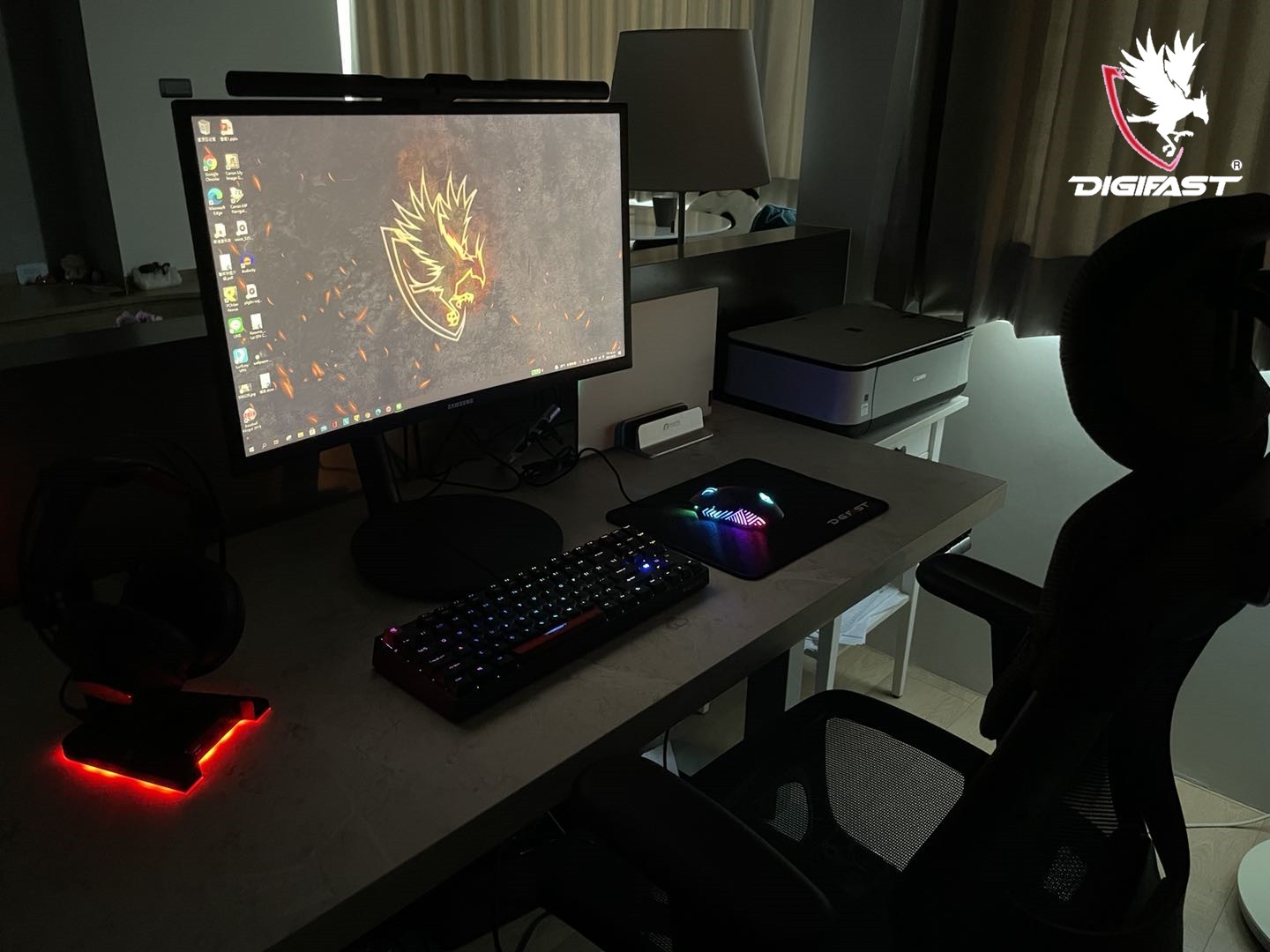
To provide an enjoyable viewing experience for your audience, you’ll need to invest in some basic streaming equipment. While you can start with the essentials and upgrade later, a typical streaming setup includes the following:
- A powerful gaming PC or console: Make sure your device can handle running your games smoothly while streaming simultaneously.
- A microphone: High-quality audio is crucial for engaging with your audience. Consider a dedicated USB microphone or a headset with a built-in mic, like our Orpheus OP7.
- Webcam (optional): Adding a webcam enhances the personal connection with your viewers and allows them to see your reactions while playing.
- Streaming software: Use software like OBS (Open Broadcaster Software) or Streamlabs OBS to capture your gameplay and overlay your webcam and other elements.
- Streaming hardware (optional): If you’re streaming from a console or a not-so-powerful PC, you should consider a video capture card like our Orion Capture card.
Step 3: Ensure a Stable Internet Connection
A stable internet connection is vital for a seamless streaming experience. Aim for a minimum upload speed of 5 Mbps, but ideally, you should have higher speeds to prevent lags and buffering issues.
Step 4: Set Up Your Stream
Once you have all the equipment ready, it’s time to set up your stream. Configure your streaming software according to your preferences, such as selecting the resolution and bitrate for your stream. Additionally, design your overlay to display your webcam, chat box, and any other relevant information you wish to share with your audience.
Step 5: Engage with Your Viewers
Streaming is all about building a community, and engaging with your viewers is crucial for its growth. Interact with your audience, respond to their comments, and make them feel like a part of your gaming journey. Creating a friendly and welcoming atmosphere can turn first-time viewers into loyal fans.
Step 6: Promote Your Stream
To attract viewers, you’ll need to promote your stream through various channels. Utilize social media platforms, gaming forums, and gaming-related subreddits to announce your upcoming streams. Networking with other streamers can also help in cross-promotion and widening your audience reach.
Step 7: Be Consistent
Consistency is key to growing your streaming channel. Stick to a regular streaming schedule so your audience knows when to expect your content. Whether it be once a week or daily, find a frequency that works for you and your viewers.
Conclusion
Streaming your gaming sessions is a fantastic way to share your passion for gaming, connect with like-minded individuals, and potentially turn your hobby into something more. By selecting the right platform, setting up your equipment correctly, engaging with your viewers, and being consistent with your streaming schedule, you’ll be well on your way to building a thriving streaming community. Remember, streaming is not just about playing games; it’s about creating a positive and enjoyable experience for your viewers. So, have fun, be yourself, and let your passion for gaming shine!
About DIGIFAST
DIGIFAST is a professional gaming equipment brand based in California, USA, and has been providing technological innovations and custom solutions for over 20 years. Through intelligent research and professional production capacity, we deepen the 3C, esports, and IT markets. We focus on developing high-quality and long-life products and provide consumers with personal storage devices, game peripherals, and bold innovative 3C technology products. The brand has been recognized by the industry and has pushed quality standards to become a trusted brand in the 3C technology and esports industry.
Official website: https://www.digifast-inc.com