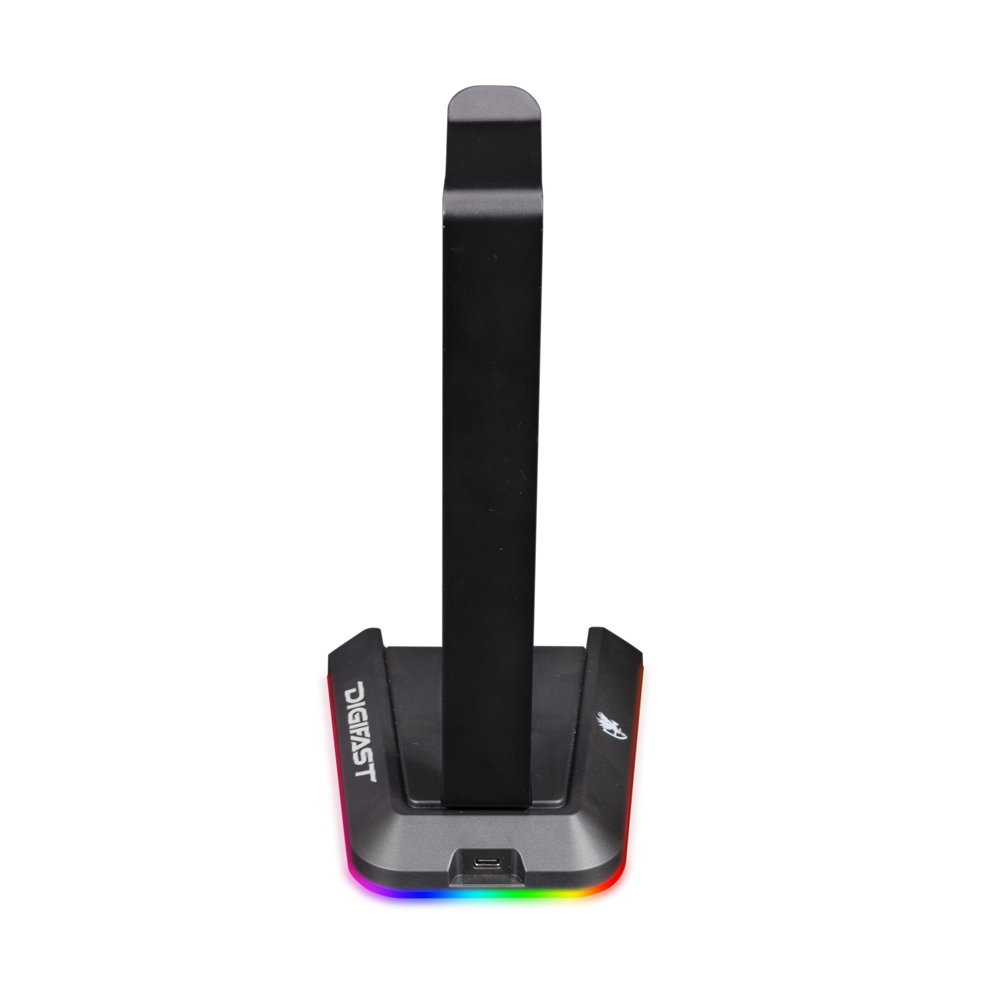
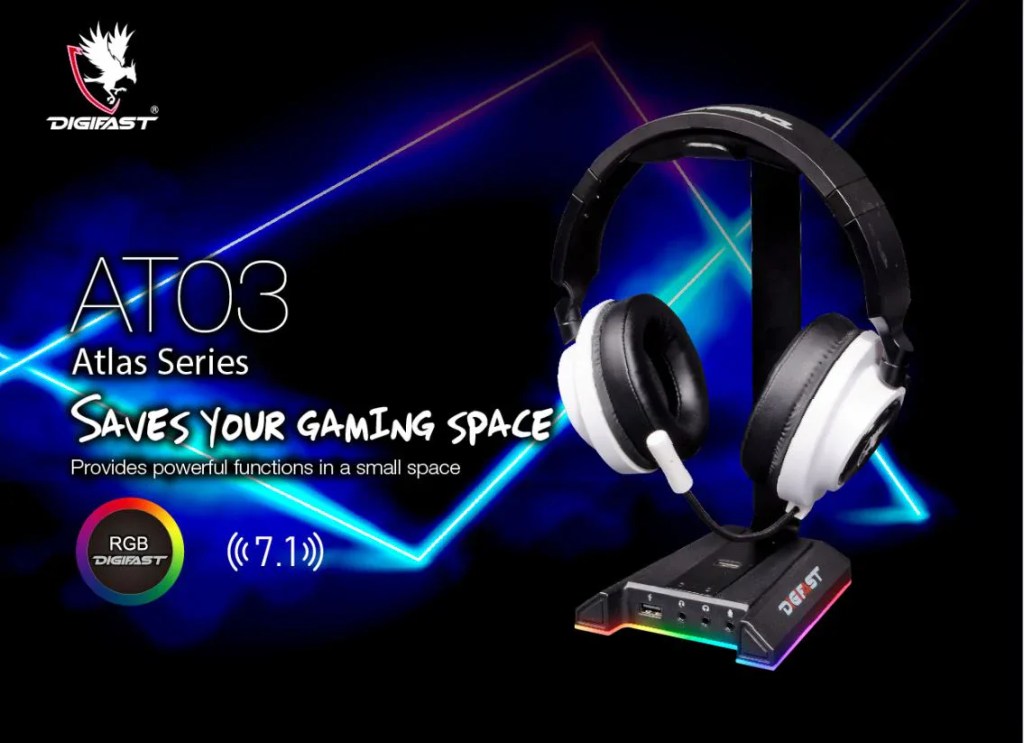
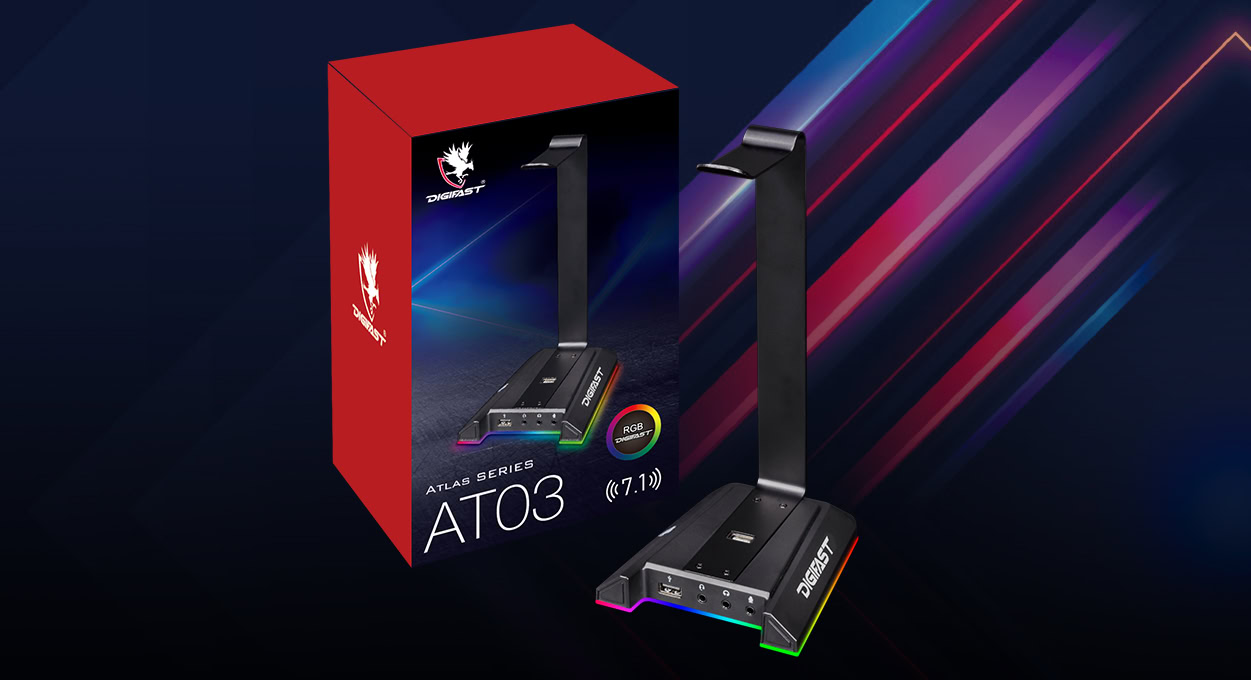
Digifast Atlas RGB Headset Stand

$31.99
SKU: AT03
Brands:

Customize the Look – With 7 colors profiles including off, you can create a perfect match for your setup.

Easily Swap Profiles – The touch panel LED controller allows you to toggle between profiles with a simple tap.

Connect All Devices – The headset stand offers two USB ports for connecting any USB device.

Plug and Play – No additional drivers are required. Simply plug-in and start using.

DIGIFAST RGB Lighting Effects

RGB Illumination Mode

RGB Lighting Mode

Red Mode

Green Mode

Blue Mode

Purple Mode

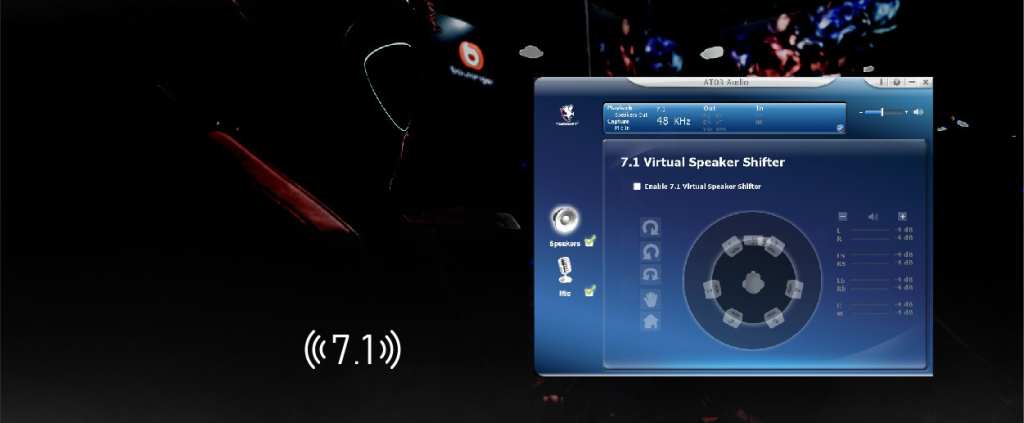
Surround Sound Stereo

Plug in your headset!
The Atlas Headset Stand comes with dedicated DIGIFAST software
that allows you to create an immersive experience.

One Touch LED Switch

Tap to cycle through 7 different lighting modes.

Convenient Connection

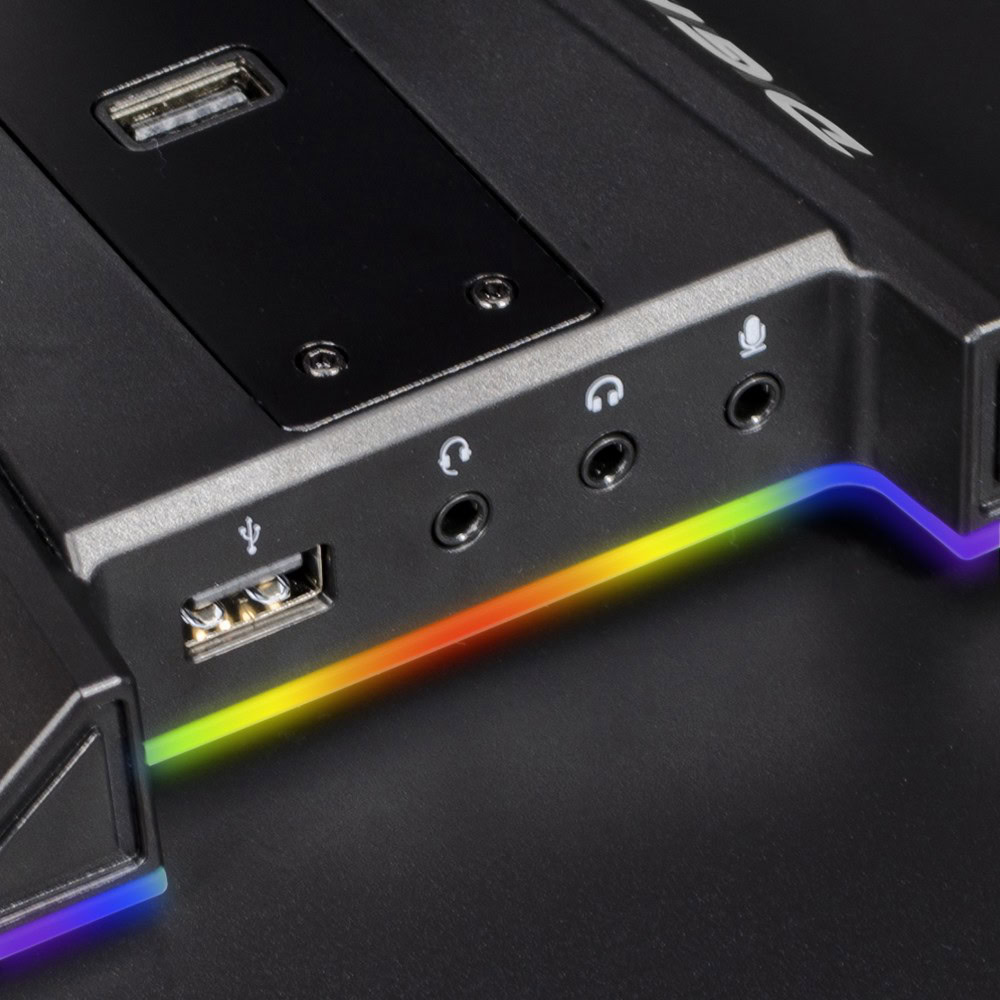
DIGIFAST AT03 is equipped with two USB 2.0 ports, so you can stay connected at all times.

Anti-Slip Design

The anti-slip bade padding provides stable support and protects your desktop from scratches.

Detachable Cable Design

The detachable cable allows for easy storage and portability.

Cable Length1.5m
Dimensions135 x117x250 mm
Working Voltage5V+/-0.25V
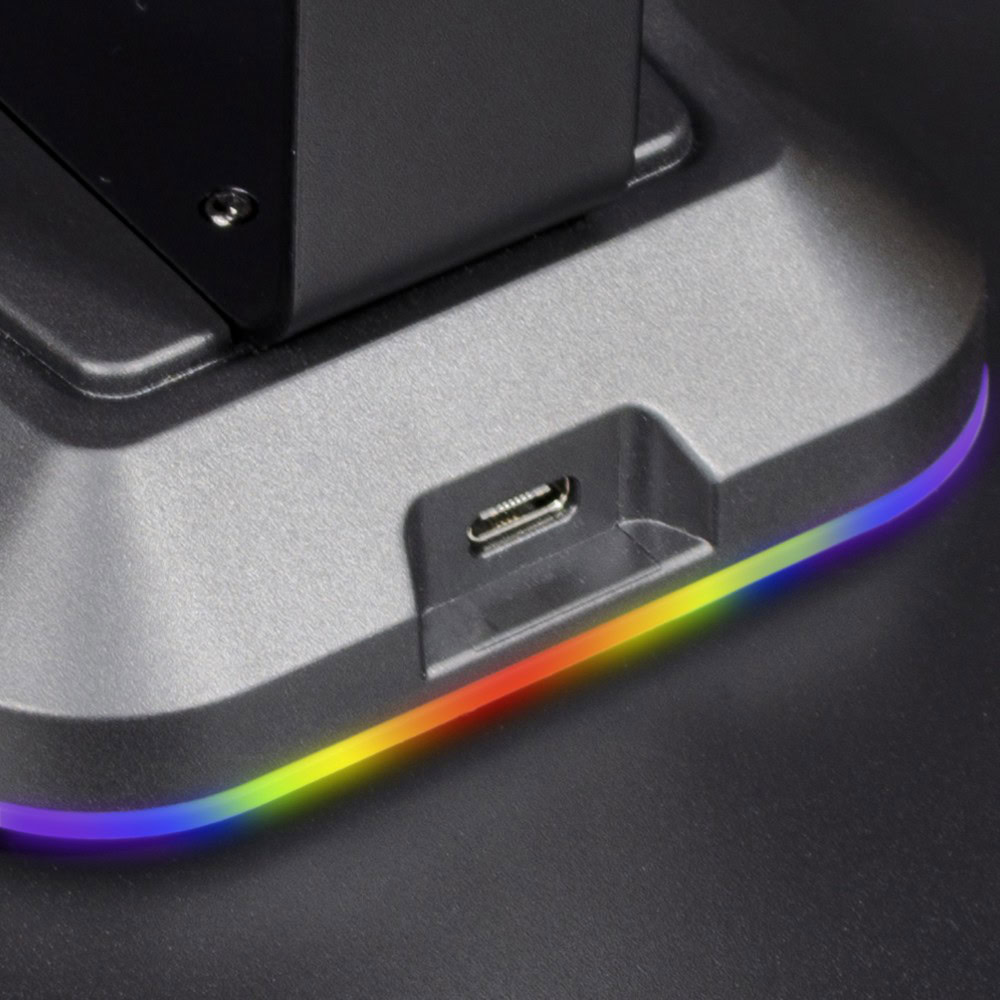
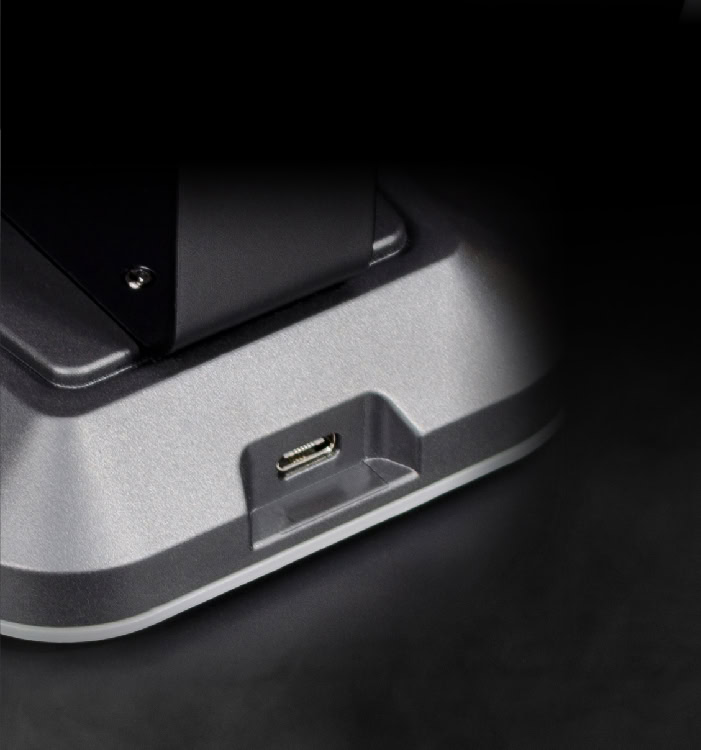
InterfaceUSB Type C Powered, Plug-and-Play
 Mode7 Mode LED RGB Illumination
Touch panelLED controller
Data Transfer2 USB Output
TitleDigifast Atlas RGB Headset Stand User Manual
Download

Q1. How many led light colors does it have?

For solid colors, it has red, green, blue, or purple.

Q2. How many color patterns does it offer?

There are 2 RGB color patterns supports: RGB Illumination (all lights alter between all colors independently) or RGB lighting mode (all lights alter between all colors in sync).

Q3. Why are there 3 audio inputs?

The headset stand can support older audio plugs that split the microphone and speakers, or it can support the newer headsets where both the microphone and speakers run through the same port.

Q4. How tall is this stand?

It stands about 10 in tall (25 cm).

Q5. How can I use 7.1 multi-channel audio with the Digifast AT03 Headset Stand?

You need to download the Digifast AT03 Audio Center software from the Digifast official website, execute the program, and follow the on-screen instructions.