Q1. Why is my drive not being detected?
• The DX3 does not support 3.5” HDDs.
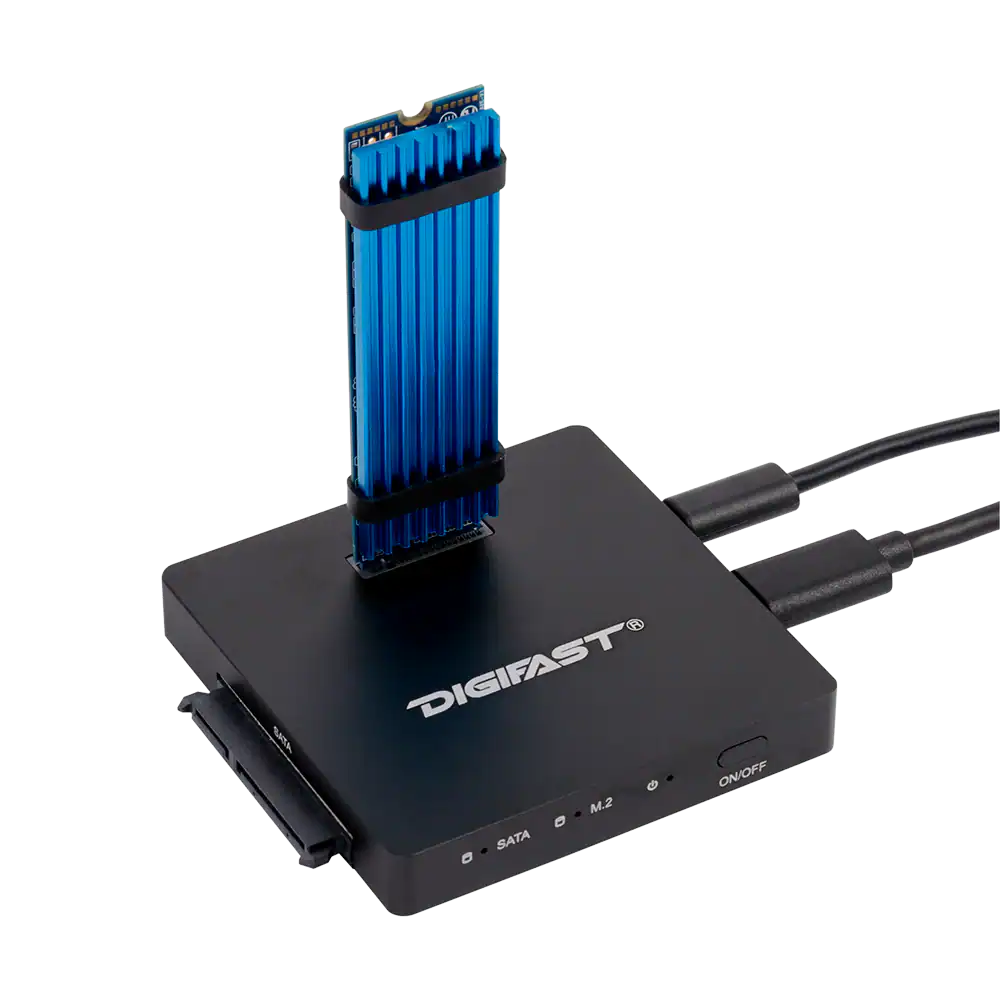
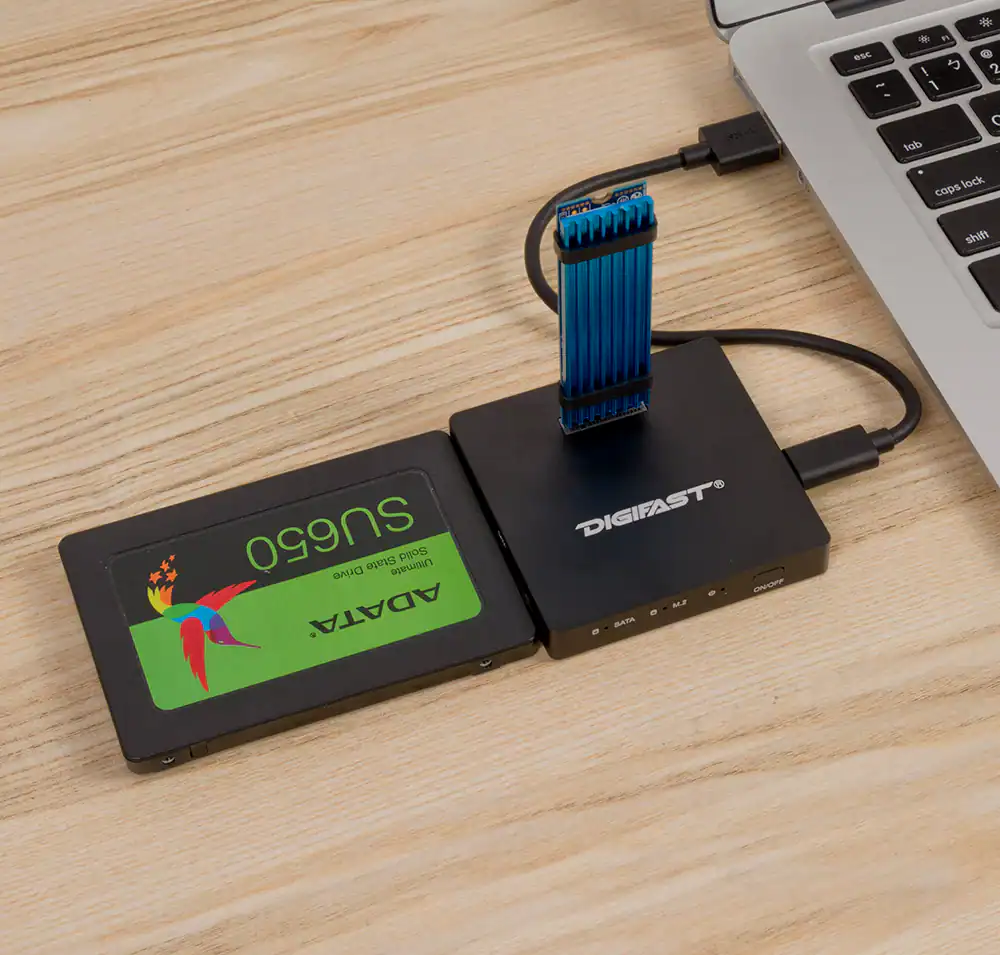
• If you are using both the M.2 and SATA interfaces, please connect the additional 5V connection to an open USB port prior to connecting the devices.
• Power off and disconnect the device(s). Reconnect the device(s) and the power cord. Power on the device using the on/off button located on the front of the device.
• If none of the above works, please see Q2.
Q2. The device is connected but doesn’t show in Windows.
If an SSD has never been used before, then it will not appear under “This PC.” In order to see your device, open Disk Management. It will likely prompt you to initialize the drive. If so, do this. If you need to format yourself, then you will most likely want a GPT partition with the NTSF file system. Look for these options and format accordingly. Afterwards, the drive will be recognized.
Q3. Does this device support hot swap?
Yes. You should still eject the device to ensure Windows is not using it prior to disconnecting to avoid data loss/corruption.
Q4. Does this device support SATA M.2 devices?
Yes, this device can support both NVMe and SATA including AHCI as well as the M.2 and SATA interfaces. This device does not support 3.5” HDDs.
Q5. My device feels hot, is this normal?
NVMe drives are incredibly fast. However, with the speed comes great heat. If using NVMe M.2 devices, it is recommended to attach the included heatsink.
Q6. With which operating systems will this work?
The device works with Windows 7 or later and MacOS 10.12 (Sierra) or later. Most Linux distributions will work as well.
Q7. What chip does the docking base use?
It uses the Realtek RTL9210 controller.
Q8. How long is the USB cable included?
The USB-C-A data cable measures 7.5in (19cm) and the USB-A power cable measures 19.75in (50cm).
Q9. Will this device work with my drive?
The docking base works with all SATA/AHCI and NVMe M.2 devices as well as 2.5” SATA devices. The device cannot support 3.5” HDDs.
Q10. Can I use both interfaces (SATA and M.2) at the same time?
Yes. However, this mode requires more power. Hence, you will need to connect the 5V power as well as the data transfer port prior to powering on the DX3.