Q1. How does the headset connect?
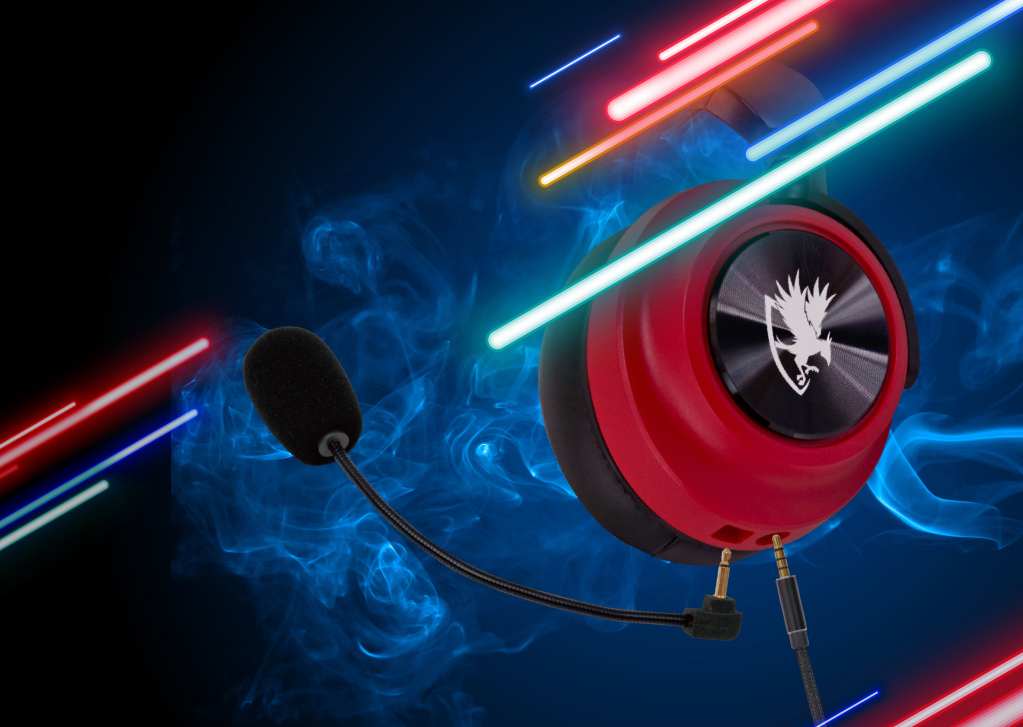
The audio cord uses a standard 3.5 mm audio jack. Both speaker and mic are built into one connection, but the headset comes with a Y-splitter for older machines. Additionally, the headset can connect via USB.
Q2. Is this suitable for gaming?
Yes, this headset was designed with gamers in mind. The soft ear couplings and headband provide comfort for extended gaming sessions.
Q3. Does it have a warranty?
Yes, the headset offers an 18-month limited warranty. See the warranty section for more information.
Q4. Does it work with Xbox 1?
Yes, this headset will work Xbox 1 and later.
Q5. Why does the sound work but not the microphone?
Double check that the microphone is connected properly and your sound properties are set to the headset rather than the default microphone.
Q6. Does this headset require batteries?
No, the headset operates solely on the power provided by the audio jack.
Q7. Does the headset have a mute button?
Yes, the headset has a remote built into the cord to provide microphone on/off and volume controls.
Q8. How long is the cord?
The cord measures 1.8m.
Q9. Why does the microphone on my headset not work?
There are a few possibilities:
The computer has separate jacks for headphones and mic.
• Some sound cards keep input and output separate. If yours does, you will either need to use the provided USB connection or Y-splitter. Please ensure that the mic and headphone jacks are connected to the correct ports.
An older sound card may require a microphone volume boost
• Open Start > Settings > System > Sound. Scroll down to the “Input” section and ensure that the correct microphone has been selected. Click on “Device properties” and then “Additional device properties.” Under the “Level” tab, you will see two microphone boosts. Raise them to maximum.
Windows apps may not have access to your microphone
• Due to privacy concerns, apps may need to be enabled to gain access to the microphone. Navigate to Start > Settings > Privacy and click on Microphone. Here you can enable apps to gain access to the microphone as needed.